
Maya 2018 Essential Training [2017, ENG] Sub
$ 4.67
ОписаниеMaya 2018 Essential TrainingГод выпуска: [s]25/07/2017[/s] Обновлен 15/11/2017Продолжительность: 08:10:00Тип раздаваемого материала: ВидеоурокЯзык: АнглийскийОписание: Learn to create high-quality 3D models and animations in Maya 2018. This course covers the core Maya skills-modeling, texturing, rendering, and animation-within a real-world, project-based workflow. The techniques you'll learn here translate equally well to film, motion graphics, game design, and animation.First explore the basics of the Maya interface, including selecting and manipulating objects, organizing scenes, and customizing the interface. Next, learn about polygonal modeling, creating and refining meshes, sculpting, and working with NURBS surfaces. Once you understand modeling, discover how to create and apply materials-adding color, texture, and reflectivity to your creations. Then integrate cameras, lighting, and effects into the rendering process, and leverage the new Arnold for Maya renderer. Last but not least, instructor show how to add movement and life to your work with Maya's animation tools.Научитесь создавать высококачественные 3D-модели и анимации в Maya 2018. Этот курс охватывает основные навыки моделирования, текстурирования, рендеринга и анимации Maya - в рамках реального рабочего процесса на основе проектов. Методики, которые вы изучите здесь, одинаково хорошо воспроизводят фильм, анимацию движения, а так же дизайн игр.Сначала изучите основы интерфейса Maya, включая выбор и управление объектами, организацию сцен и настройку интерфейса. Далее, узнайте о полигональном моделировании, создании сеток и работе с поверхностями NURBS. Изучив моделирование, узнайте, как создавать и применять материалы, добавляя цвет, текстуру и отражательную способность к вашим творениям. Затем интегрируйте камеры, освещение и эффекты в процесс рендеринга и используйте новый рендер Arnold для Maya. В последнюю очередь, инструктор показывает, как добавить движение и жизнь в вашу работу с инструментами анимации Maya.Содержание00 - IntroductionWelcomeSystem requirementsHow to use the exercise files01 - The Maya InterfaceOverview of the Maya interfaceWork with files and Maya projectsNavigating in MayaConfiguring viewportsUsing the hotbox and marking menusCustomizing the interfaceUsing Maya workspaces02 - Select and Manipulate ObjectsSelect objectsUse the Move toolRotate and scaleManipulate pivotsUnderstanding the Channel BoxWork with the Attribute EditorReset and freeze transformationsSnap objectsDuplicate objects03 - Organize Maya ScenesWork with the OutlinerCreate hierarchiesGroup objectsUnderstanding the HypergraphHide and show objectsCreate layersWork with selection masks04 - Create Polygonal ModesDifferences between NURBS and polygonsCreate polygonal objectsSelect polygonal componentsUsing Soft Selection and SymmetryCombine and separateBoolean toolsUsing brush tools to sculpt meshes05 - Model Polygonal MeshesSet up referenceModel against referenceWork with edge loopsUse the Extrude toolMirror and merge componentsUse the Bevel toolExtrude along a pathUse the Polygon Bridge toolUnderstanding Quad Draw [New]06 - Refine Polygonal MeshesUse the Modeling ToolkitSmooth models and manage detailWork with subdivision surfacesCreate creases in smooth surfacesUse Edge Flow to smooth geometryManage object history07 - NURBS Modeling TechniquesUnderstanding NURBS componentsNURBS primitivesUse the NURBS curve toolsCreate radial surfaces with RevolveUse the NURBS Loft toolOpen and close curves and surfacesCreate shapes with the NURBS Planar actionUse the NURBS Extrude tool08 - Refine NURBS ModelsUse isoparms to refine NURBS surfacesExtract NURBS curves from surfacesCreate curves on a surfaceProject curves on surfacesTrim NURBS surfacesConvert NURBS to polygons09 - Create MaterialsOverview of Maya rendereringUnderstanding the basic shader typesWork with Arnold materialsOpacity and refraction in ArnoldCreate and apply mapsUse bitmaps as textureWork with the Hypershade windowCreate materials in Hypershade10 - Apply Materials and TexturesApply multiple materials to objectsUV map polygonal objectsUnderstanding the UV EditorProject textures on NURBS surfaces3D paintingUV mapping complex objects [New]Maintain UV scale [New]11 - Render in MayaRender Settings menuUse Render ViewMaya lights and lighting typesUnderstanding camerasUse the Light EditorBatch render animationUnderstanding Render Setup [New]Use overrides in Render Setup [New]12 - Render in ArnoldArnold render settingsArnold Render ViewUsing Maya lights in ArnoldUse Arnold area lightsUse objects as lightsImage-based lighting and skydomesAdd depth of field in ArnoldCreate motion blur in ArnoldRender animation in Arnold13 - Animate in MayaUnderstanding the animation interfaceAnimate objects using Set KeyModify keys in the Graph EditorModify keys in the Dope SheetCreate breakdown keysAnimate objects along spline pathsVisualize animationUse the Grease Pencil toolCreate animation cyclesAnimation playback using PlayblastWork with the Time Editor [New]Create animations clips [New]14 - ConclusionNext stepsExercise FilesФайлы примеров: присутствуютФормат видео: MP4Видео: AVC, 1280x720, 16:9, 15 fps, avg 309 kbpsАудио: AAC, 48.0 kHz, 128 kbps, stereoДоп. информацияQ: This course was updated on 11/15/2017. What changed?A: New videos were added that cover Quad Draw, UV mapping complex objects, overrides in Render Setup, working with the Time Editor, and creating animation clips.подробнее скрыть
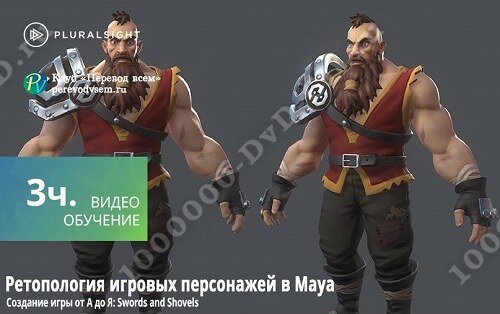 Retopologizing Game Characters in Maya
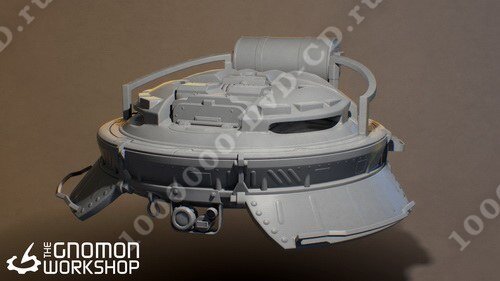 Creating Props for Games Vol 1-2
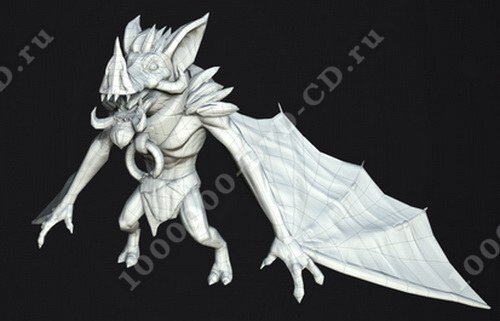 Optimized Game Character Modeling
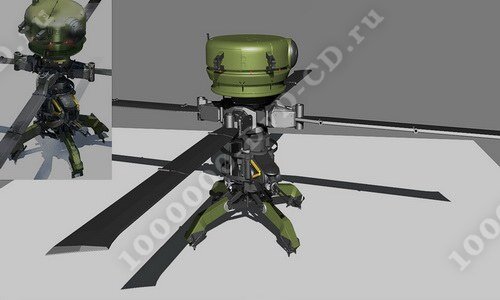 Hard Surface Modeling Workflow with Maya
 Introduction to Arnold for Maya